
Before you install an Android application from outside the official Google Play Store, you need to know exactly what is inside the package. The APK Analyzer is a free but premium-to-use, browser-based inspection tool that breaks down any Android application package (.apk file) into a detailed, easy-to-read technical report.
If you are a security-conscious mobile gamer or an Android developer testing build outputs, a quality assurance (QA) tester, or a cybersecurity researcher, our tool helps you dissect app packages instantly without complex command-line utilities.
100% Client-Side Privacy
Most online file scanners require you to upload heavy files to their remote cloud servers. This online APK Analyzer works differently. It prioritises data privacy and speed by performing 100% local, client-side analysis.
Your APK files are never uploaded to our APK Analyzer servers. All processing, calculations, and APK extractions happen entirely within your local browser sandbox. Your data never leaves your computer or mobile device.
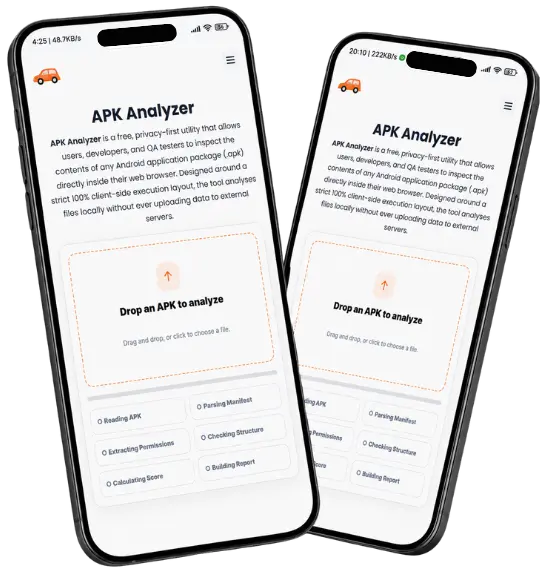

How to Use the APK Analyzer?
Inspecting your Android app package takes only a few seconds. Follow these simple steps to run your local security checks like a pro:
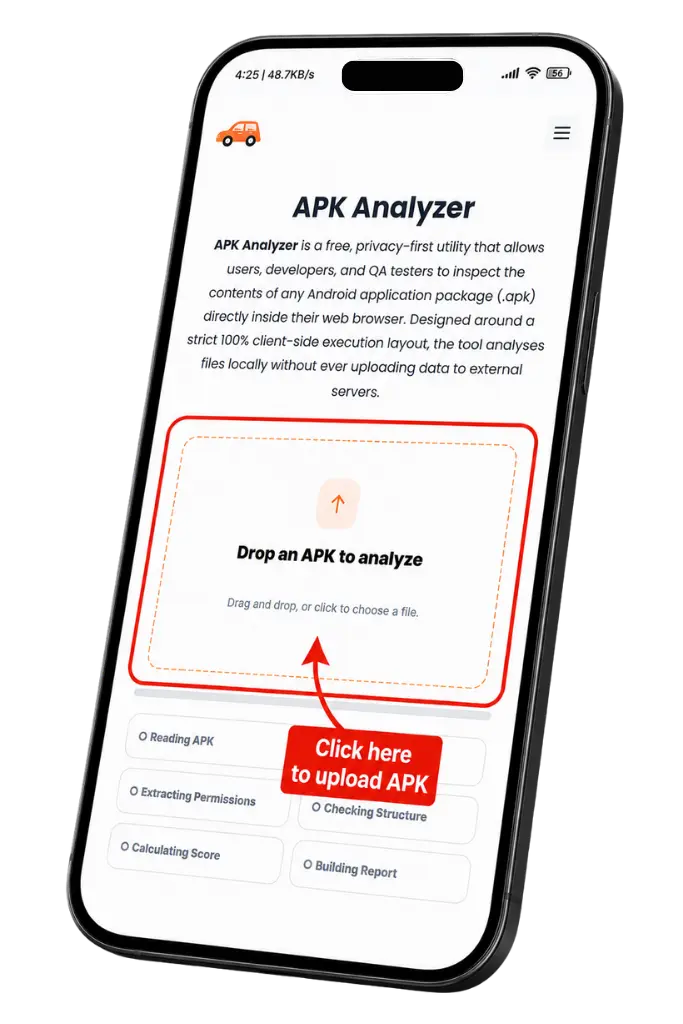
Core Features & Inspection Capabilities
The APK Analyzer groups deep technical diagnostics into clean, intuitive tabs, allowing you to switch between broad overviews and microscopic technical data.

Interactive Security Speedometer
View an immediate, informational risk score calculated by auditing requested app permissions, structural anomalies, and hidden background components.
Android Manifest & SDK Detection
Instantly read critical app identity data, including the unique package name, compile version, minSdkVersion (minimum requirements), and targetSdkVersion (intended platform level).
Permission Extraction & Grouping
The tool isolates and colour-codes dangerous permissions, flagging suspicious background access to your SMS, contacts, call logs, camera, mic, GPS, and special system overlay settings.
App Component Audits
Review internal application endpoints like Activities, Services, Broadcast Receivers, and Content Providers, while automatically flagging any exposed components that could be vulnerable to external system exploits.
APK File Structure Summary
See a visual mapping of the app’s internal architecture, including executable Dalvik bytecode (.dex files), application assets, layout resources, native hardware libraries (.so files), and missing signature indicators.
SHA-256 Hash Developer Exports
Instantly calculate a unique cryptographic fingerprint for file verification, and download your complete analysis as a raw JSON file or a clean, shareable PDF report.
Frequently Asked Questions (FAQs)
Conclusion
APK Analyzer is a free, privacy-first utility that allows users, developers, and QA testers to inspect the contents of any Android application package (.apk) directly inside their web browser. Designed around a strict 100% client-side execution layout, the tool analyses files locally without ever uploading data to external servers.
Users simply drag and drop an app package to extract core architectural information, including package names, compiler targets (minSdkVersion/targetSdkVersion), app components (Activities, Services, Receivers), and file system breakdowns. The tool extracts and separates standard requirements from dangerous permissions (such as location tracking, camera/microphone triggers, SMS data, and device states) to generate an informational security risk score. Featuring visual charts, a SHA-256 cryptographic signature utility, raw JSON report exports, and downloadable PDF summaries, it provides an immediate security audit before sideloading or deploying applications.